

Key Takeaway
- Amazon Elastic VMware Service (Amazon EVS) lets organisations run their existing VMware environment on AWS hardware, with no application rebuilding required.
- EVS became available in the Asia Pacific (Malaysia) region on 15 December 2025, so VMware workloads can now stay within Malaysian borders.
- Migration into EVS uses VMware HCX, a tool that moves virtual servers to AWS while keeping existing configurations and IP addresses intact.
- Three ways to connect your on-premises setup to EVS: a dedicated private line (Direct Connect), an encrypted internet tunnel (VPN), or the public internet. Which suits you depends on how much data you are moving and how fast you need to get it done.
- VSTECS KU, as Malaysia’s first authorised AWS distributor, can help Malaysian businesses scope and run a VMware migration to AWS using EVS.
Introduction
After Broadcom acquired VMware in 2023 and moved customers onto subscription-based pricing, many IT teams in Malaysia and across the region began looking at their options. Moving to the cloud was a natural direction, but the typical path involved significant rebuilding: changing how applications are set up, replacing the tools their teams use, and reworking network configurations.
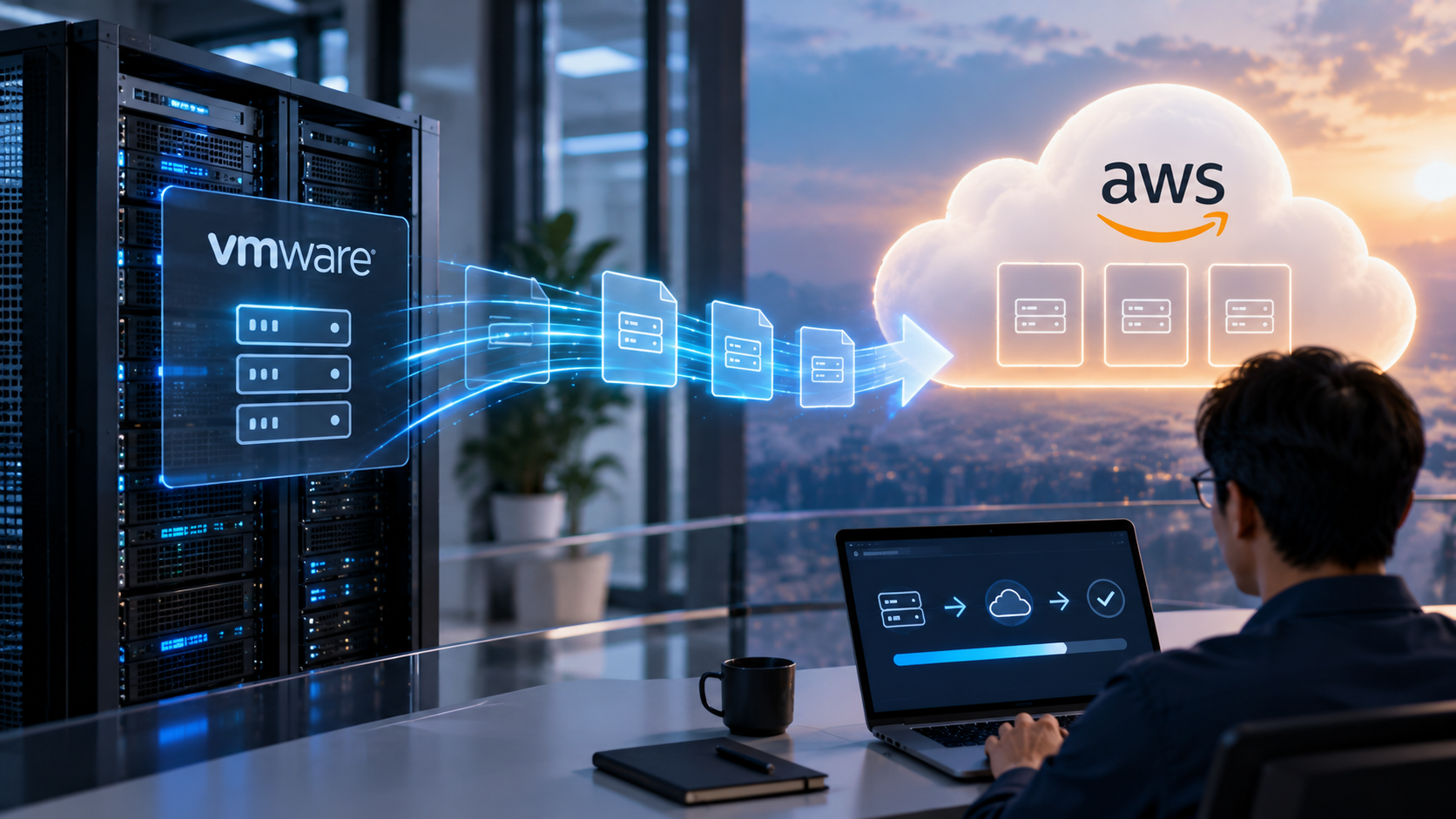
Amazon Elastic VMware Service takes a different approach. Instead of asking teams to rebuild their environment in a new cloud format, it lets them run their existing VMware setup directly on AWS. The tools stay. The processes stay. Only the physical hardware changes.
What Is Amazon Elastic VMware Service?
Amazon Elastic VMware Service (Amazon EVS) is an AWS service that runs VMware’s core software stack inside your own private section of AWS. That private section is called a Virtual Private Cloud, or VPC: a walled-off space within AWS that belongs to your organisation.
The VMware software running inside EVS is called VMware Cloud Foundation (VCF). It is an all-in-one package covering virtualisation, networking between virtual servers, and storage management.
The servers EVS runs on are dedicated, physical AWS machines shared with no other customers. The underlying hardware technology, AWS Nitro, manages security and networking at the chip level. This is what lets VMware run at full performance without your team having to maintain the physical machines.
Your team keeps using the same VMware management tools they already know:
| VMware Tool | What It Does |
| vCenter | The central dashboard for managing your VMware environment |
| vSphere | The software that creates and runs virtual servers |
| NSX | Handles the internal networking between those virtual servers |
What changes is where those tools are physically running. They move from your own data centre hardware to AWS servers.
Your team does not need to learn new tools or rebuild anything. The VMware environment moves to AWS. How your team works inside it stays the same.
EVS became available in the Asia Pacific (Malaysia) region on 15 December 2025, after launching in Asia Pacific (Singapore) in September 2025. For businesses in Malaysia, this means VMware workloads stay within the country under AWS Malaysia. That matters for compliance with Malaysia’s Personal Data Protection Act (PDPA) and any sector-specific rules on where data is stored.
How Is Amazon EVS Different from VMware Cloud on AWS?
There was a previous option for running VMware on AWS called VMware Cloud on AWS. It was a jointly managed service where the provider handled the infrastructure side. That option was withdrawn from sale through AWS and its partners in April 2024.
EVS is structured differently:
| VMware Cloud on AWS | Amazon EVS | |
| Who manages the setup | The service provider | Your own IT team |
| Where it runs | Provider-managed AWS environment | Your own private AWS section (VPC) |
| Access to other AWS services | Limited | Full access |
| Licensing | Included in the service | You bring your own VMware licence |
| AWS volume discount eligibility | No | Yes |
Having full access to other AWS services means your team can connect EVS to databases, AI tools, storage, and analytics, all within your own environment. EVS spending also counts toward any existing volume pricing commitment your organisation has with AWS.
How Does Migration into EVS Actually Work?
Migration into EVS uses a tool called VMware HCX. HCX is designed to move virtual servers from your on-premises setup to EVS while keeping their network addresses and settings exactly as they are. Applications do not need to be reconfigured after the move. From the application’s point of view, it is still running with the same network identity it always had.
The migration runs in two stages:
- Initial transfer: A bulk copy of your virtual server data moves from your site into EVS on AWS.
- Cutover: Any updates made to those servers since the initial copy get synced across, and then the servers switch over to running on EVS.
How long this takes depends on the total size of your environment and the speed of your connection to AWS.
How You Connect Your Site to EVS
Three options exist, each suited to a different situation:
| Connection Type | What It Is | Works Best When |
| AWS Direct Connect | A dedicated private line between your site and AWS. No public internet involved. Speeds from 1 Gbps up to 400 Gbps. | You are moving a large environment and need consistent, reliable speed |
| AWS Site-to-Site VPN | An encrypted tunnel over your existing internet connection. Up to 5 Gbps per tunnel. | Your migration is smaller in scale, or you need to get started quickly |
| Public Internet | A direct connection using your regular internet. No extra hardware or setup needed. | Your team does not have Direct Connect or VPN in place, and data volumes are manageable |
Choosing the wrong connection type is the most common reason migrations take longer than expected. A large environment moved over a standard office internet connection can take far longer than planned.
What to Check Before Starting an EVS Deployment
Minimum Technical Requirements
EVS is built for organisations running established VMware environments, not small or single-server setups. Before committing to a deployment, confirm you meet the minimum:
| Requirement | Minimum |
| VMware software version on-premises | VMware Cloud Foundation 8.0 or higher |
| AWS server type | 4 dedicated AWS servers (i4i.metal instances) |
| Processor capacity | 256 cores across those 4 servers |
| Storage capacity | 110 TiB (approximately 121 TB) of VMware-managed storage |
If your current VMware environment runs on fewer than four physical servers, EVS may be more than your environment currently needs.
Data Volume and Transfer Planning
The bulk transfer stage is where timeline planning tends to break down. Before starting a VMware migration to AWS, get clear answers to these:
- How much total data does your VMware environment contain?
- What internet speed is reliably available at your site during working hours?
- Does your internet provider limit the total amount of data you can transfer per month?
For larger environments, a dedicated Direct Connect line is worth the additional setup time and cost. The transfer time difference at scale is not marginal.
Data Residency
With EVS available in the Asia Pacific (Malaysia) region under AWS Malaysia, your VMware workloads can remain within Malaysian borders throughout and after migration. For businesses operating under PDPA requirements, sector-specific regulations, or internal policies about where data is stored, this removes the need for any workaround.
What You Will Be Billed For
EVS does not have a single flat fee. Costs come from several separate AWS components:
| What You Pay For | What It Is |
| Dedicated server charges | The physical AWS servers your VMware environment runs on |
| Block storage charges | Storage used by VMware’s management software components |
| Data transfer fees | Data moving between your on-premises setup and AWS |
| VMware licensing | This is a separate fee paid to VMware’s parent company, Broadcom, and is not included in what you pay AWS |
Getting a full cost picture across all four areas before starting prevents billing surprises after go-live.

Frequently Asked Questions
1. What is Amazon Elastic VMware Service?
Amazon EVS is an AWS service that lets organisations run their existing VMware environment on AWS servers, inside their own private AWS section. IT teams keep their existing tools and do not need to rebuild applications or change how they work.
2. When did Amazon EVS become available in Malaysia?
EVS became available in the Asia Pacific (Malaysia) region on 15 December 2025. VMware workloads running on EVS in that region stay within Malaysian borders by default.
3. How is Amazon EVS different from the previous VMware Cloud on AWS option?
The previous option was a managed service where the provider handled the infrastructure. It was withdrawn from sale through AWS partners in April 2024. EVS runs inside your own AWS account, giving your team direct control over configuration, security, and which other AWS services you connect it to.
4. What is VMware HCX and why does it matter for migration?
HCX is the migration tool used to move virtual servers from your on-premises environment into EVS. It keeps the network addresses and settings of each virtual server unchanged, so applications do not need to be reconfigured after the move. It is what makes VMware migration to AWS through EVS less disruptive than most cloud migration routes.
5. What are the minimum requirements for EVS?
You need VMware Cloud Foundation version 8.0 or higher on-premises, four dedicated AWS servers (i4i.metal), at least 256 processor cores, and at least 110 TiB of VMware-managed storage. If your current environment is smaller than this, EVS is not the right scale for your setup.
VSTECS KU’s professional services team can review your current VMware environment and help you plan a VMware migration to AWS using EVS, from choosing the right connection method to sizing the environment and managing it on AWS cloud solutions.